 Pull
Pull
How it works
Mount
Drop your iPhone in any mount — dash, vent, or a charging pad. No bracket, no fixed orientation.
Drive
Allow location once so Pull can sense your direction of travel, then just go. Live g updates the instant you move.
Review
Every drive is logged. Scrub the telemetry afterward and read the exact g at any moment.
The whole instrument, in your pocket.
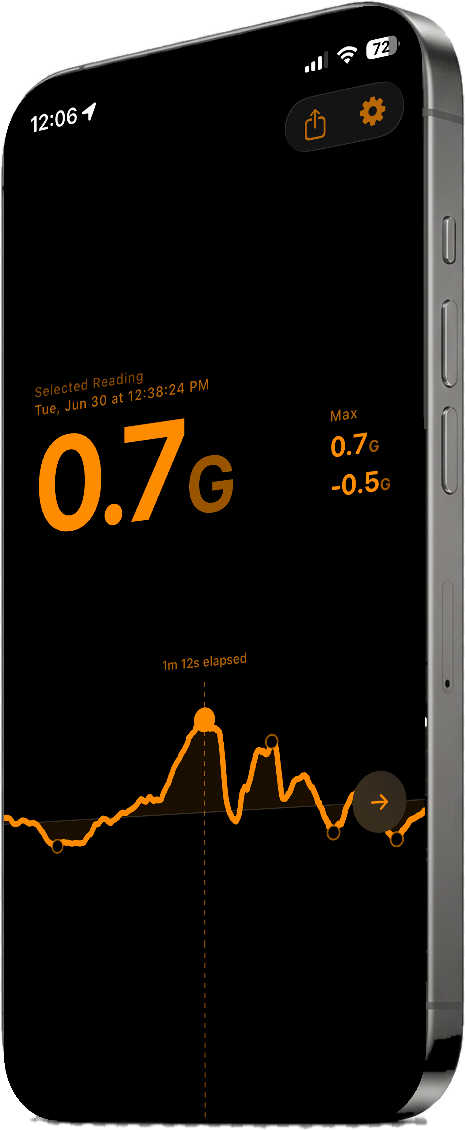
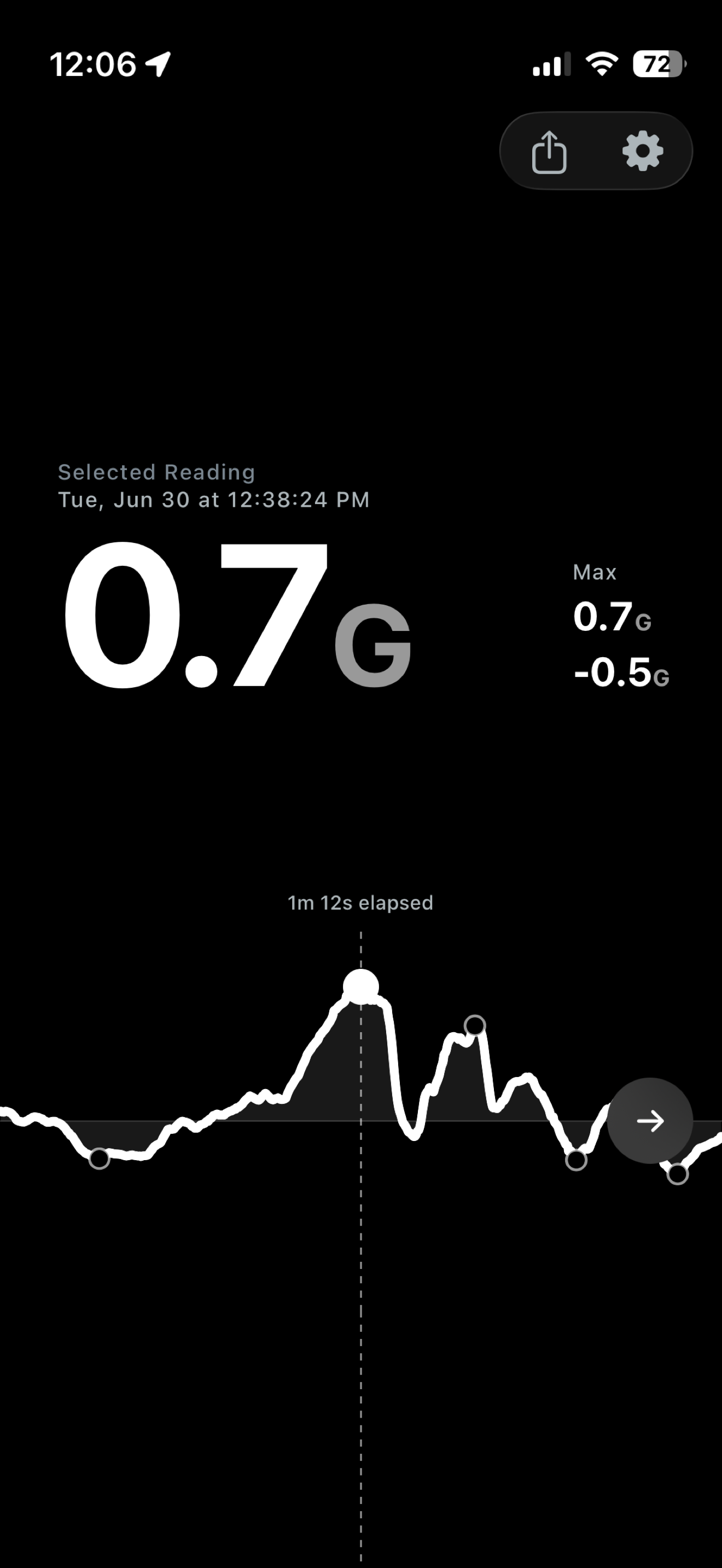
A big live readout up top, a scrolling telemetry trace below, and your peaks marked automatically. Drag back through the trace and Pull snaps the cursor to every launch and every stop — reading the exact g and the moment it happened.
What it does
Real-time readings
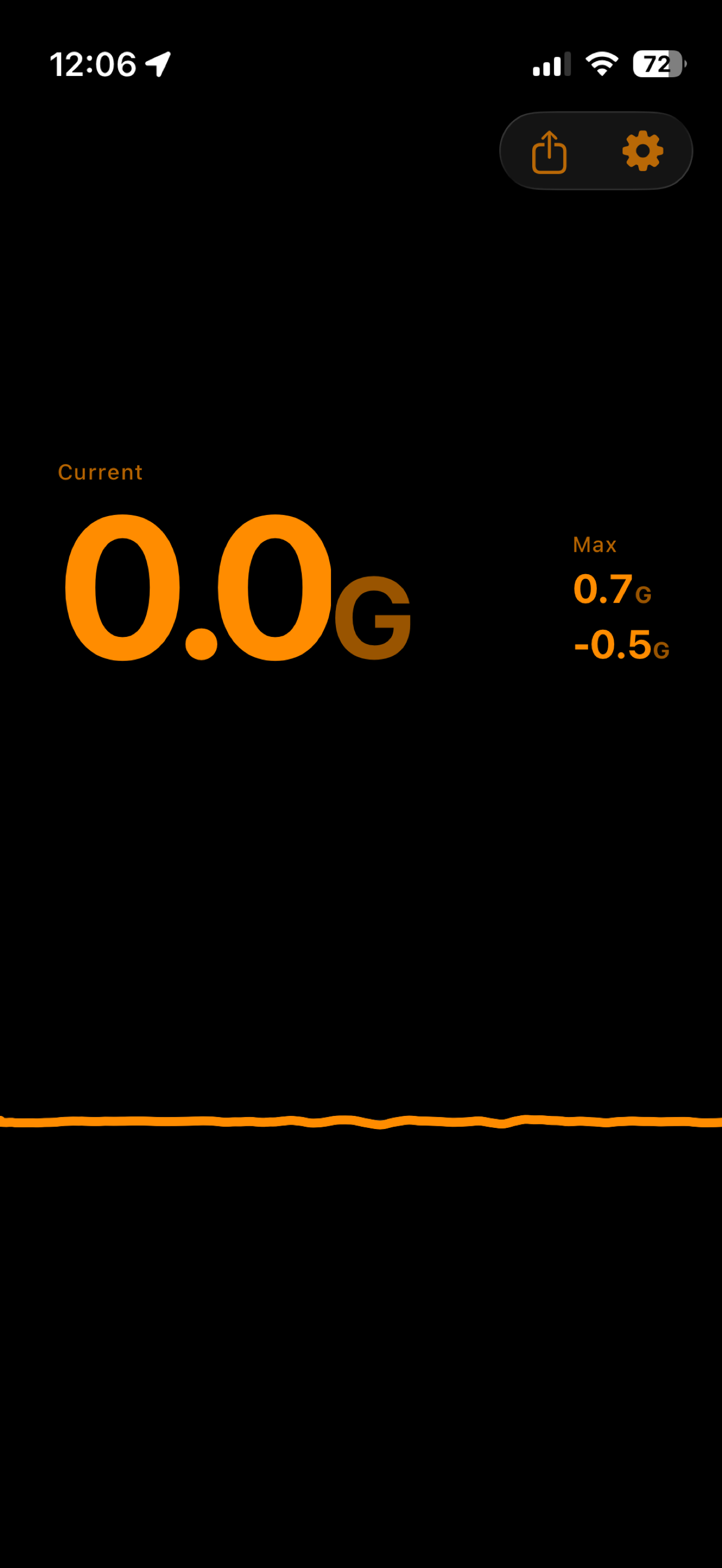
See acceleration and braking forces update the moment they happen — no lag, no smoothing away the truth.
Scrolling telemetry
A continuous trace trails every change in motion, so the shape of your drive is right there to read.
Peak values
Pull captures your strongest launch and your hardest stop, marked on the trace for every drive.
Share your drives
Export any peak or a whole ride as a clean card. Drag to explore — it snaps to your peaks — then share it anywhere.
Zero setup
No calibration step. Pull learns your direction of travel as you drive, in any mount or orientation.
Dashboard colorways
Ten dashboard tints — from calm amber to high-contrast white to alert red. Pick what reads cleanest against your dash.
Ten dashboards. One instrument.
The whole readout recolors in a tap. Same data, your dash — a sampling below.
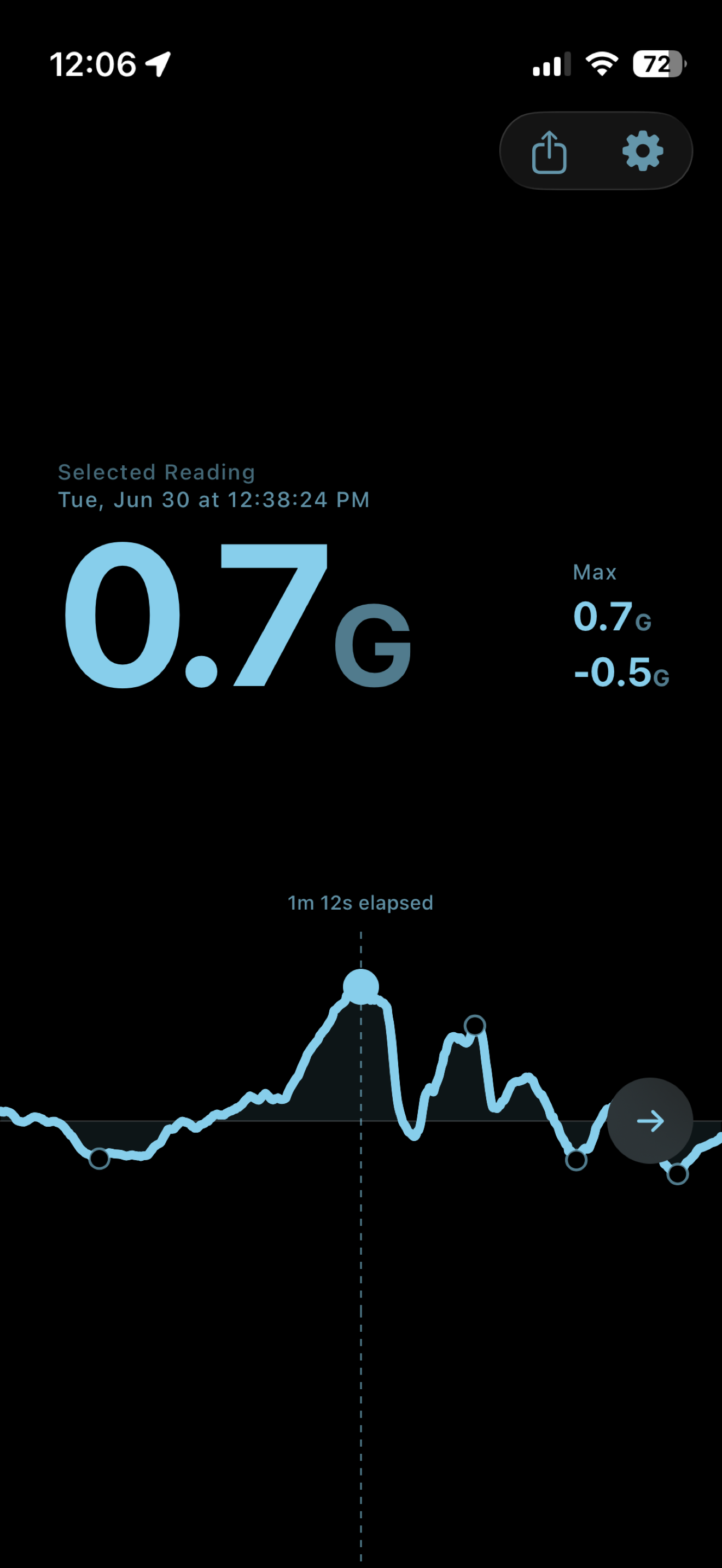
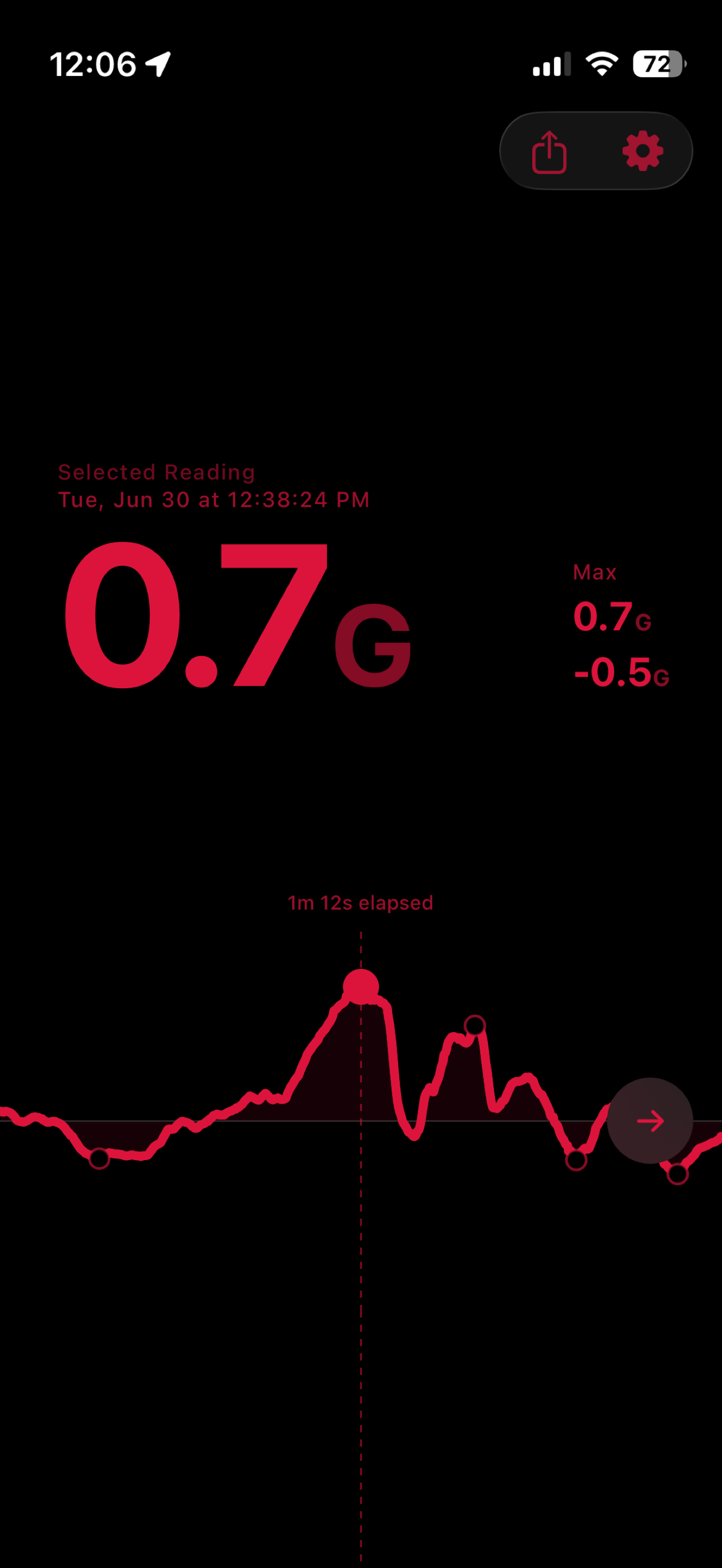
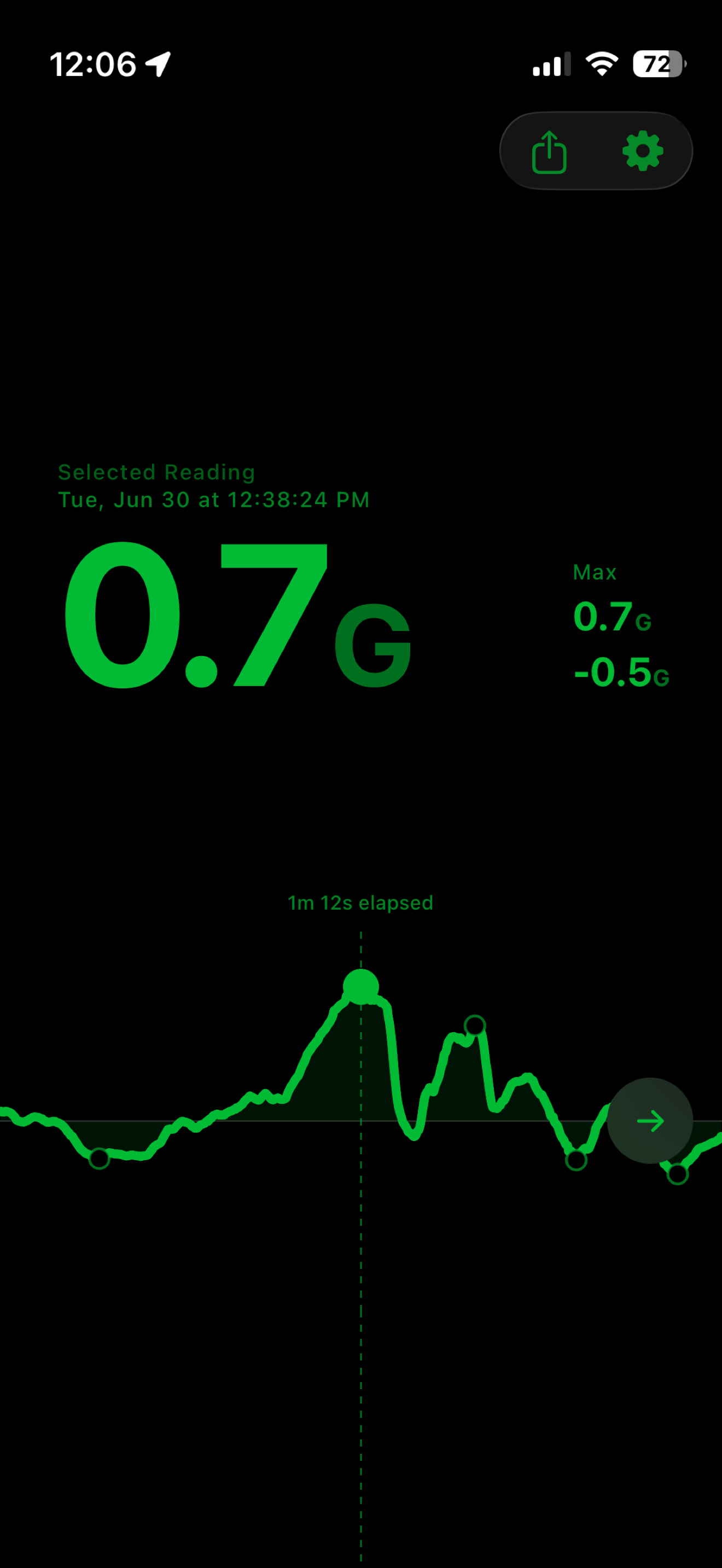
Your quarter-mile, caught automatically.
Pull watches in the background while you drive. Set a roll or stage a standing launch, floor it, and it banks your 60-foot, 0–60, and quarter-mile — timed from the instant you rolled into it. No button, no countdown — you decide it was a run after the run.
Read the whole drive back.
One recorded run, start to finish — the launch off the line, the highway merge, the hard stop at the light. Peaks are marked; scrub anywhere to read the exact g. Stop for coffee and the trace simply picks up where you left off — a quiet mark where the pause was, never a stretch of dead time. Up to two hours of driving stays ready to scrub.
Longitudinal only. On purpose.
Pull measures forward-and-back g — the launch and the stop. Not lateral cornering, not a lap timer. It does one honest thing and shows you exactly that.
Privacy
Nothing leaves your phone.
Your measurements, location, and drive data stay on your device. No account, no signup, no internet connection required. Location is used only to sense your direction of travel — processed in real time, never stored, never transmitted.
This page serves as the privacy policy for the Pull iPhone app.
Measure every drive.
Free — including Runs. No in-app purchases, no account.