 Lean
Lean
What it does
One look. The whole picture.
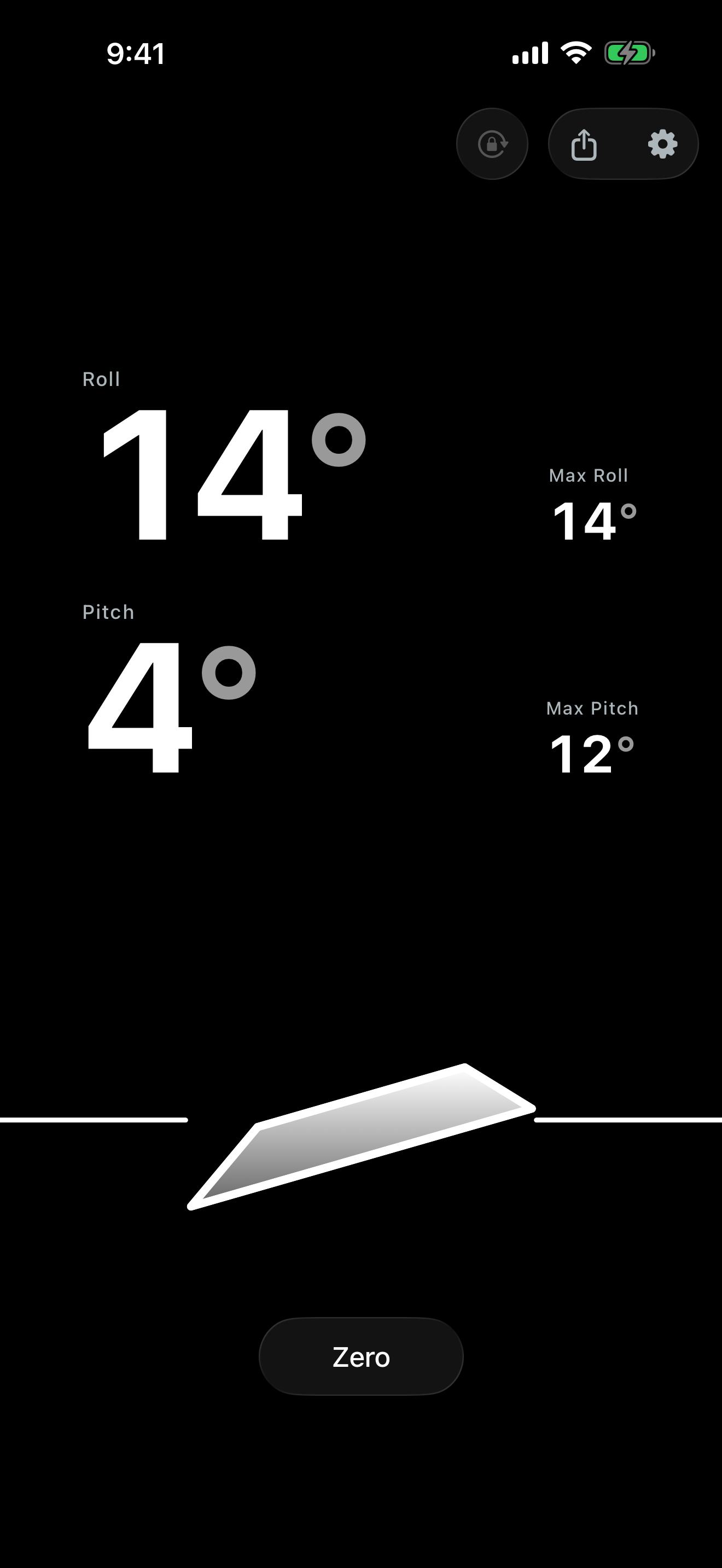
A traditional inclinometer is two gauges and math. Lean reads roll and pitch as one picture — which way you're leaning, how far, no signs to decode.
ROLL · PITCH · LIVE
Your angle at a glance
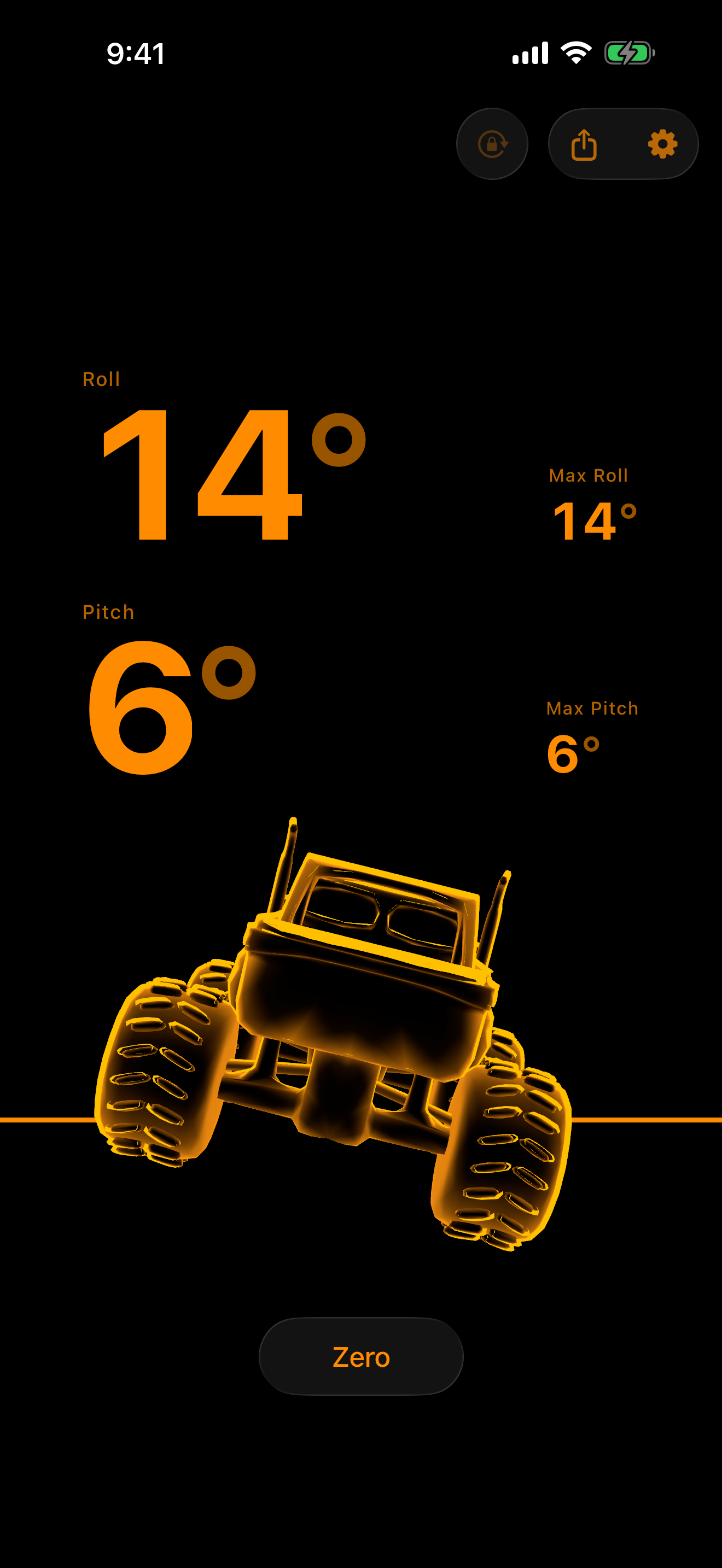
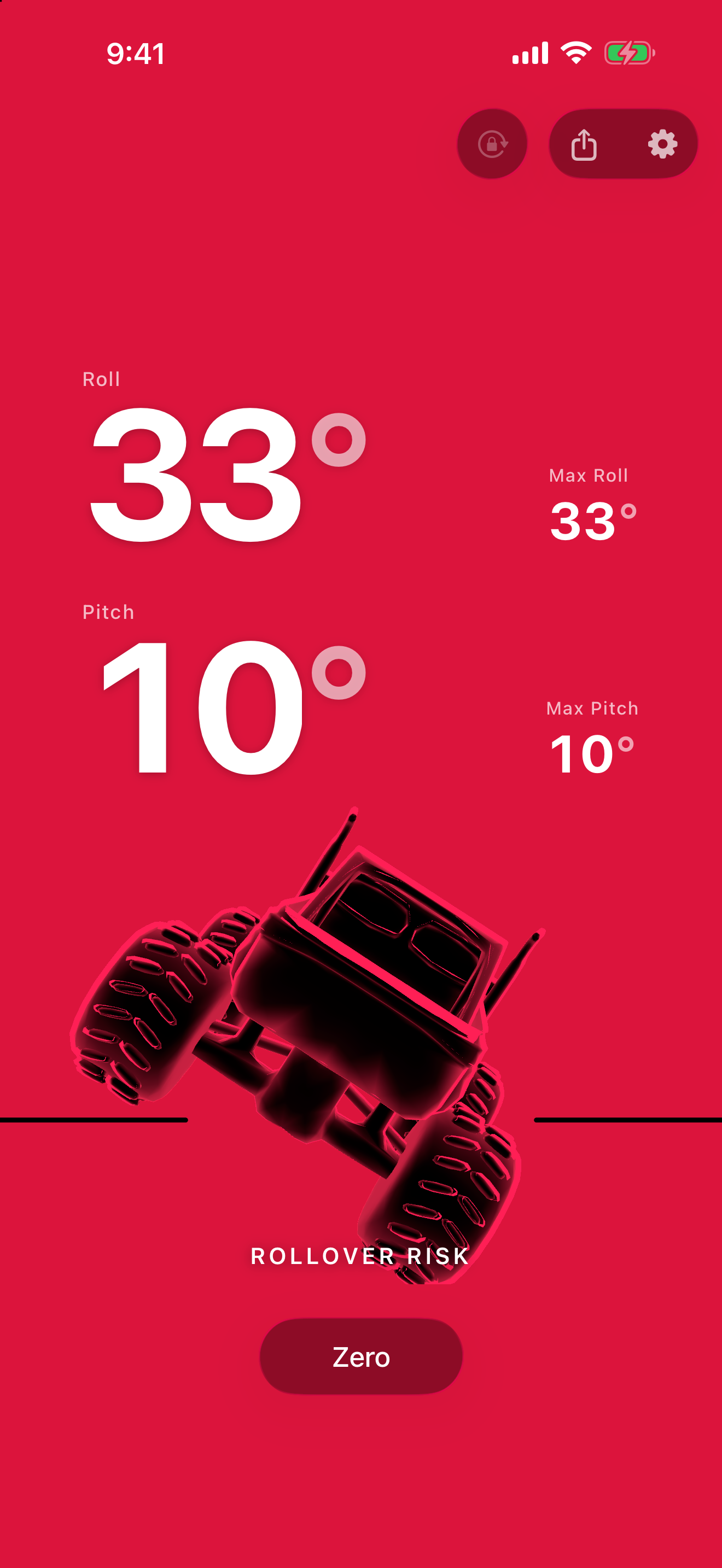
Roll and pitch together as one clear picture of how your vehicle sits — climbing, descending, canted left or right.
WHOLE DEGREES · NEVER −12°
Numbers you can read
Clean whole degrees. The display carries the direction; the number tells you how far — the gauge convention off-roaders already know.
MAX ROLL · MAX PITCH
Peaks that hold
Lean holds your steepest roll and pitch for the drive — proof of the climb. Reset with a tap.
AMBER → RED · HAPTICS
Warnings you feel
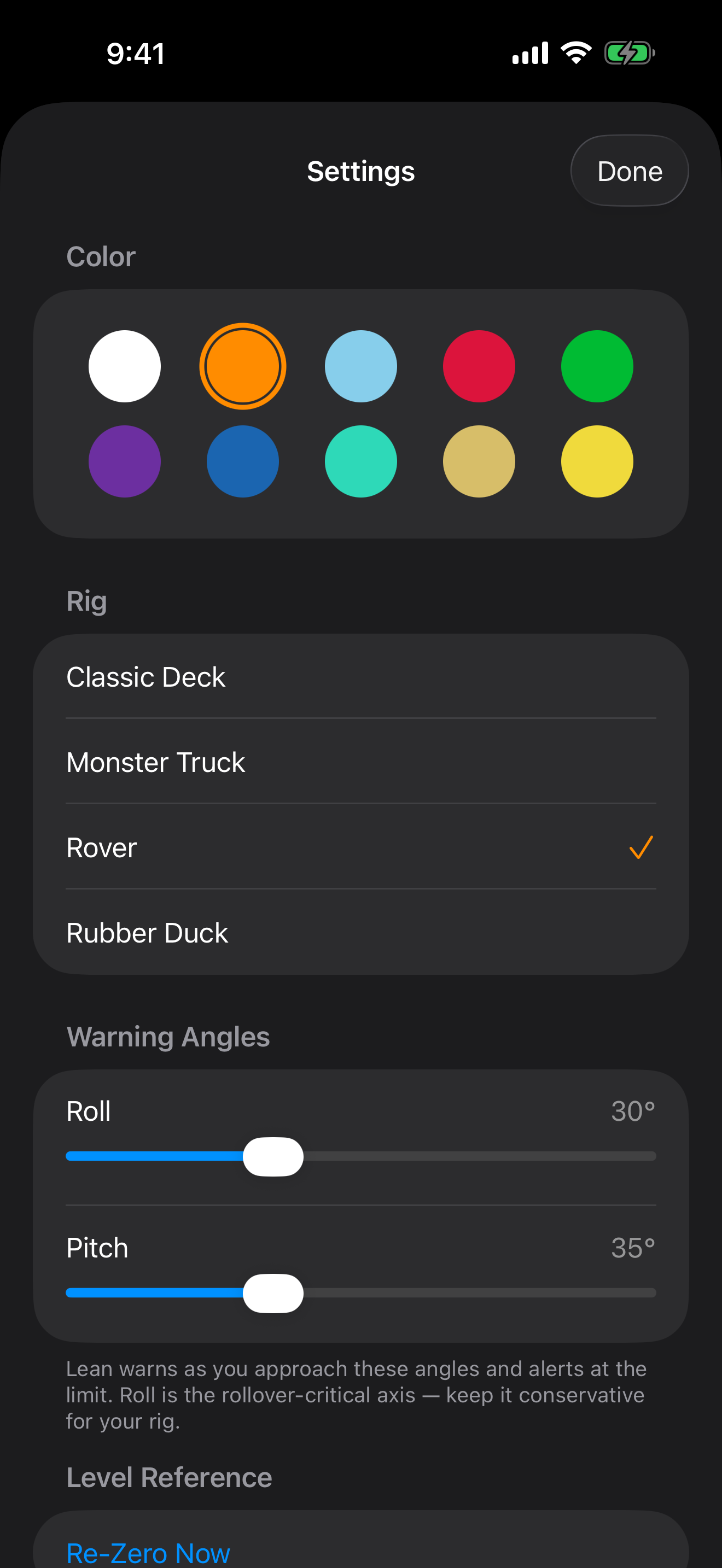
Set a caution and a limit for each axis. Amber at caution, red at the limit — with haptics you feel without looking down.
10 COLORWAYS
Make it yours
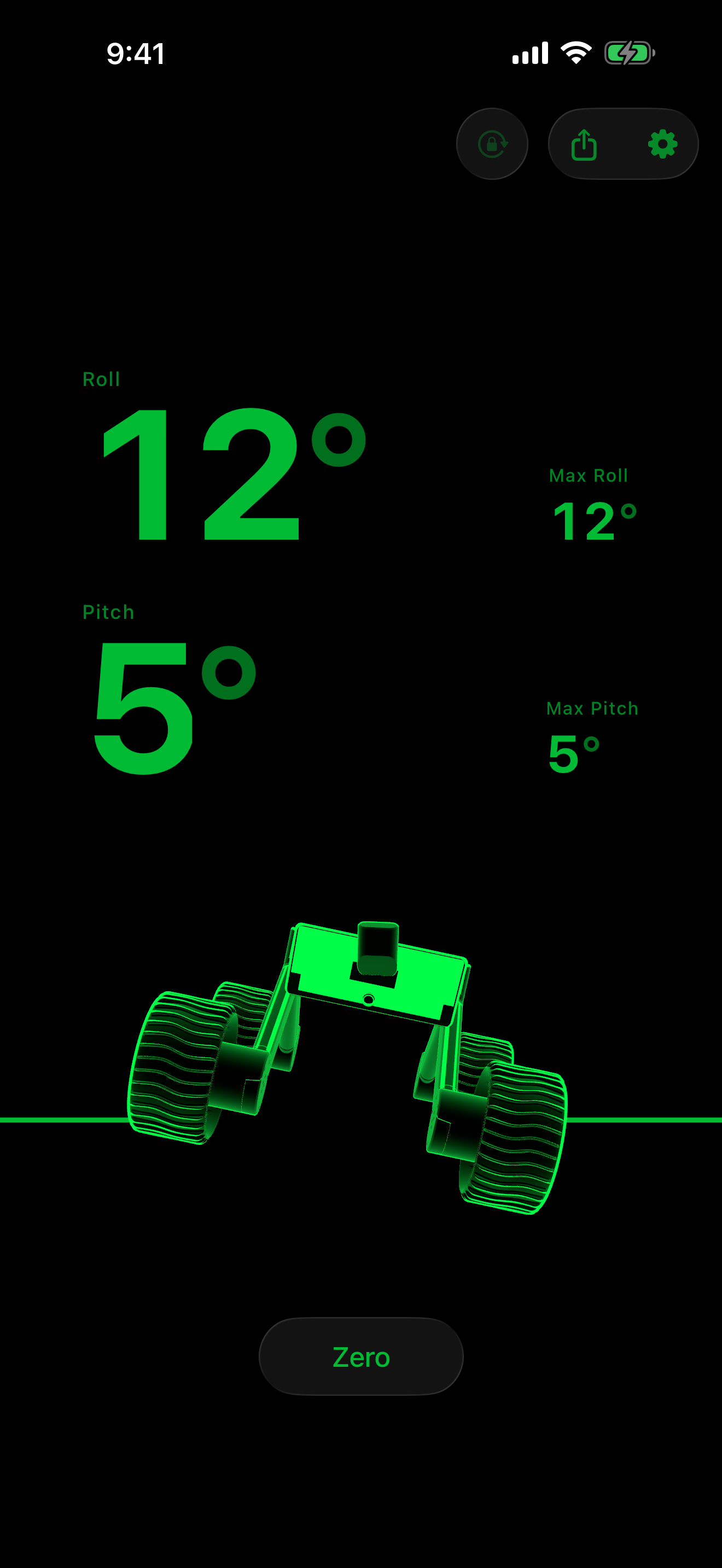
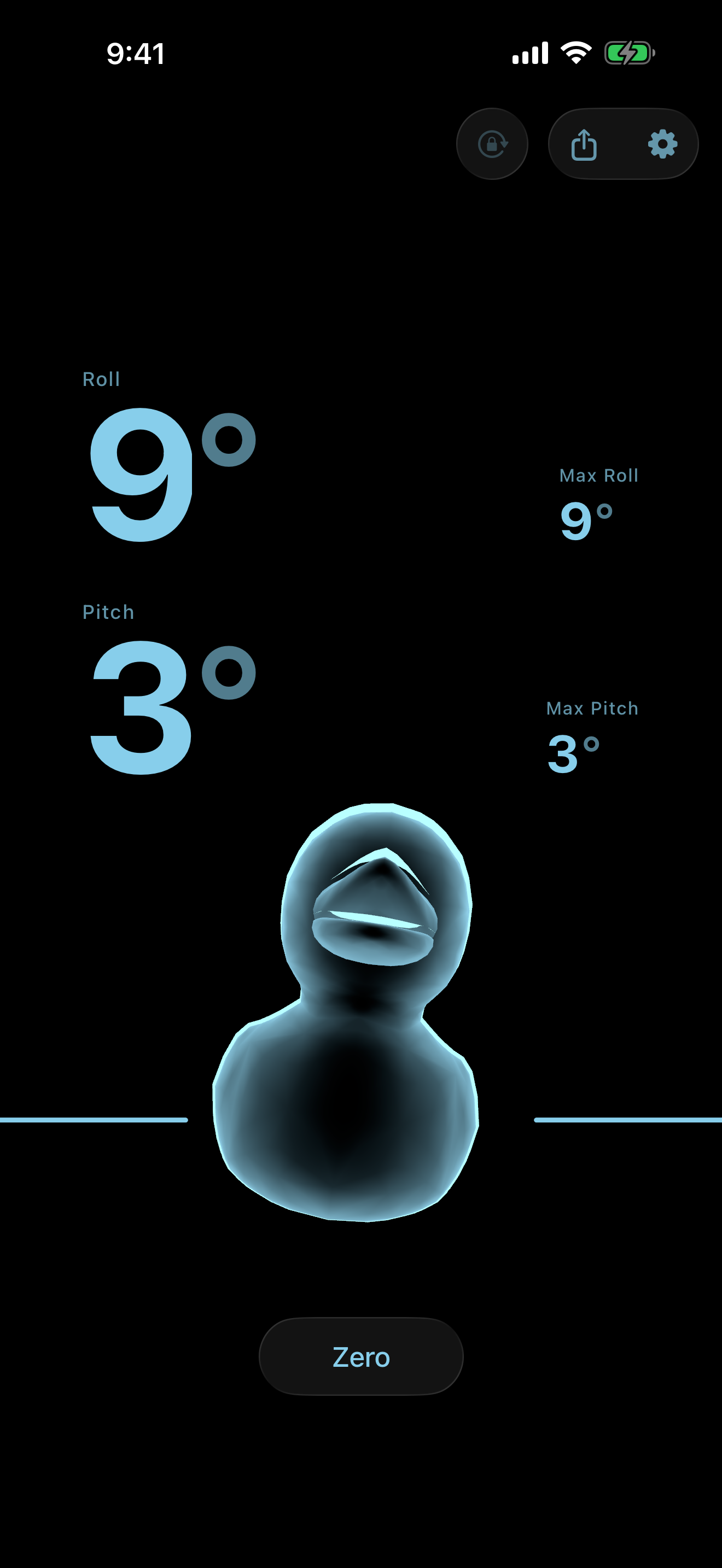
Automotive-inspired themes, amber to ice blue. Same instrument, your dashboard.
SHARE · CAPTURE CARD
Share the angle
Capture roll and pitch as a card — warning color included, so it goes amber or red when it mattered.
IPHONE DUO · FOLD OR UNFOLD
Made for iPhone Duo
Read it on the outer screen, upright or sideways. Open it wide for your readouts beside the rig, or tall for your readouts above it — with the controls wherever iPhone Duo puts them.
Beyond the angle
An early warning, built in.
Roll is the axis that matters most — most rollovers are lateral. Lean watches both axes and drives the warning from whichever sits closer to its limit.
Reach your caution angle and the screen turns amber. Reach your limit and it turns red — each with haptics you feel in your hands.
How it works
Mount it. Zero it. Go.
No GPS, no calibration drive, no account. Lean reads gravity straight from your iPhone's motion sensors — the moment you're parked level, it's ready.
Mount it
Put your iPhone in a dashboard or vent mount in portrait. Any fixed position works.
Zero on level ground
Park level and tap Zero once. Lean stores your mount angle and measures every tilt from there.
Drive the trail
Watch your angle change with the terrain. Lean warns you well before you reach your limits.
Privacy
Nothing leaves your device. Not even your location.
Lean is a pure motion app. It reads gravity from your iPhone's sensors and nothing else — no GPS, no network, no account. Your measurements never leave the phone, and your zero reference and settings can be cleared any time from Settings.
This page serves as the privacy policy for the Lean iPhone app.