 Grip
Grip
See how your car really drives.
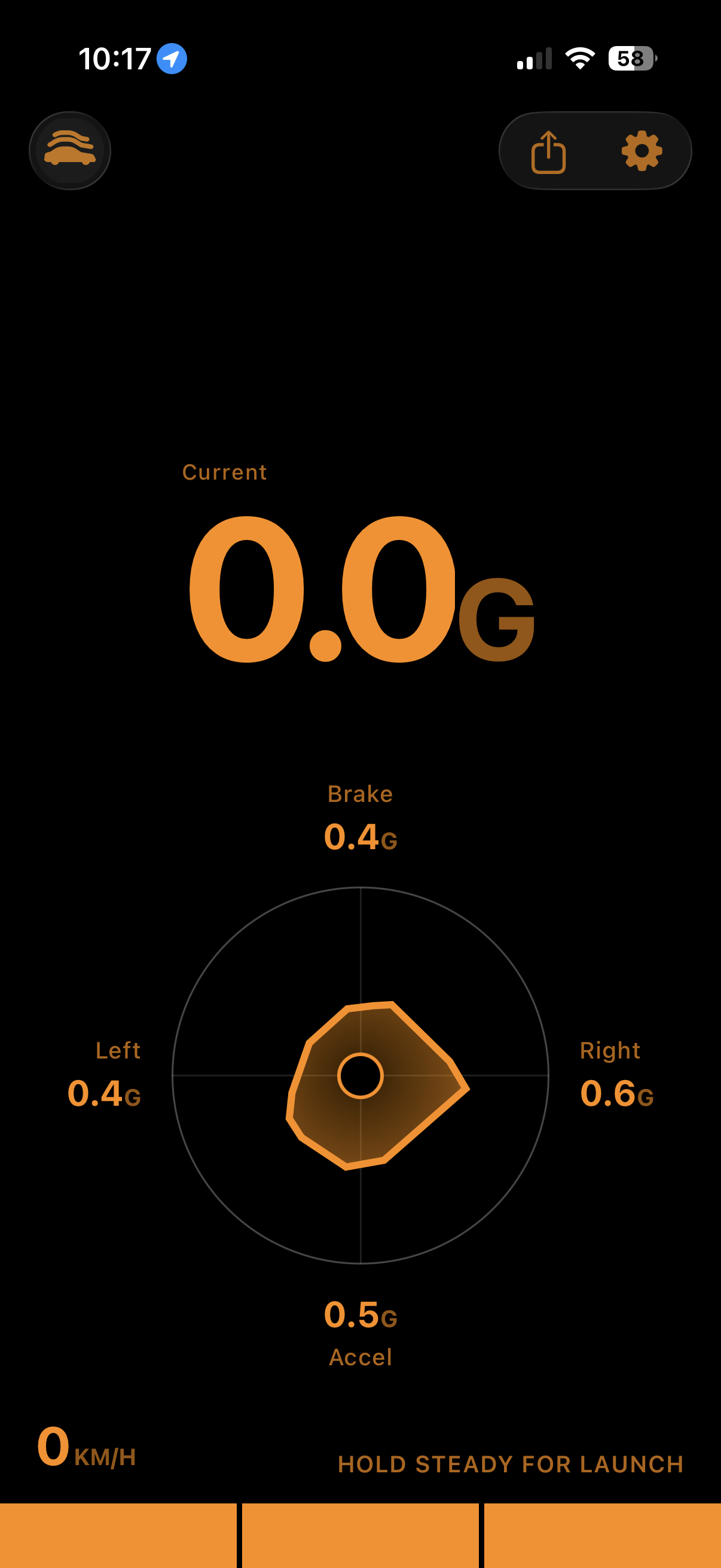
Grip turns your iPhone into a live vehicle-dynamics display. Every time you accelerate, brake, or corner, it draws the grip you're using into one continuous shape — turning something you can only feel into something you can see.
How it works
Mount
Drop your iPhone in a dash or vent mount, portrait. No calibration, no external sensors — the phone is the whole rig.
Open
Allow Location to align the four axes to your car and unlock drift angle — or skip it and still read g-force straight away.
Drive
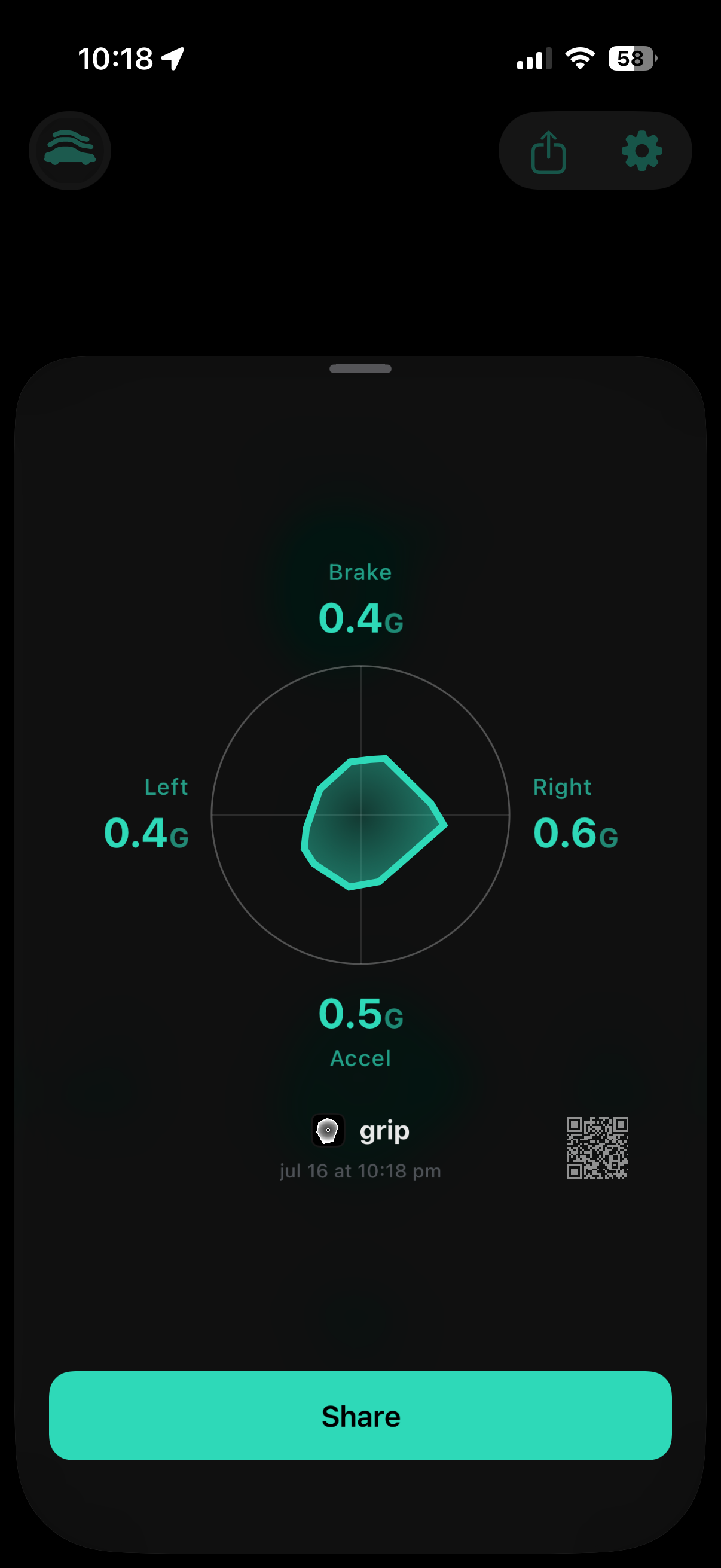
Accelerate, brake, and corner. Watch the envelope fill toward the limit — then tap share to export the shape you drew.
The whole rig is your phone.
A dedicated dynamics display is a wired box, a dash pod, and a wiring loom. Grip reads your iPhone's own motion sensors and shows your g-forces the moment you pull away — a check from the driver's seat, not an install.
What it shows
The grip envelope
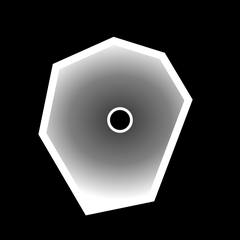
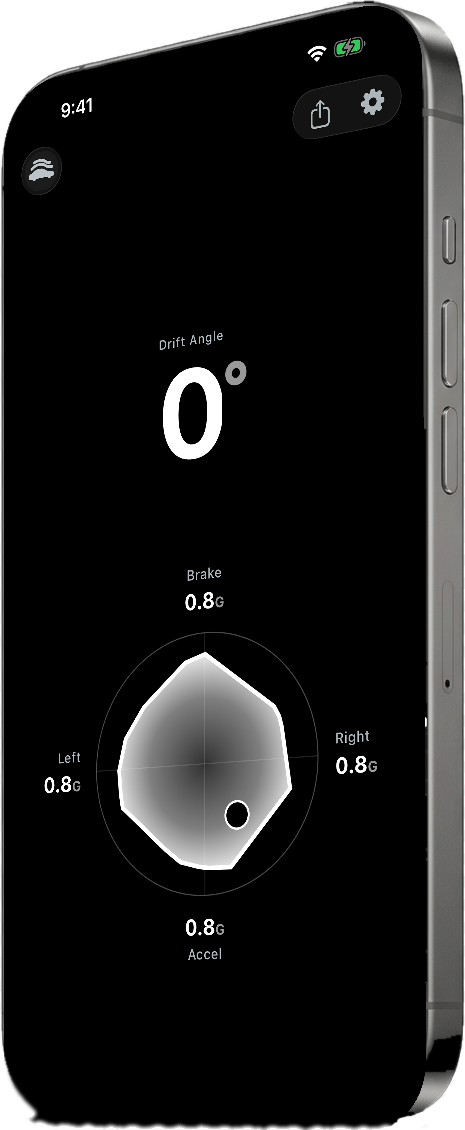
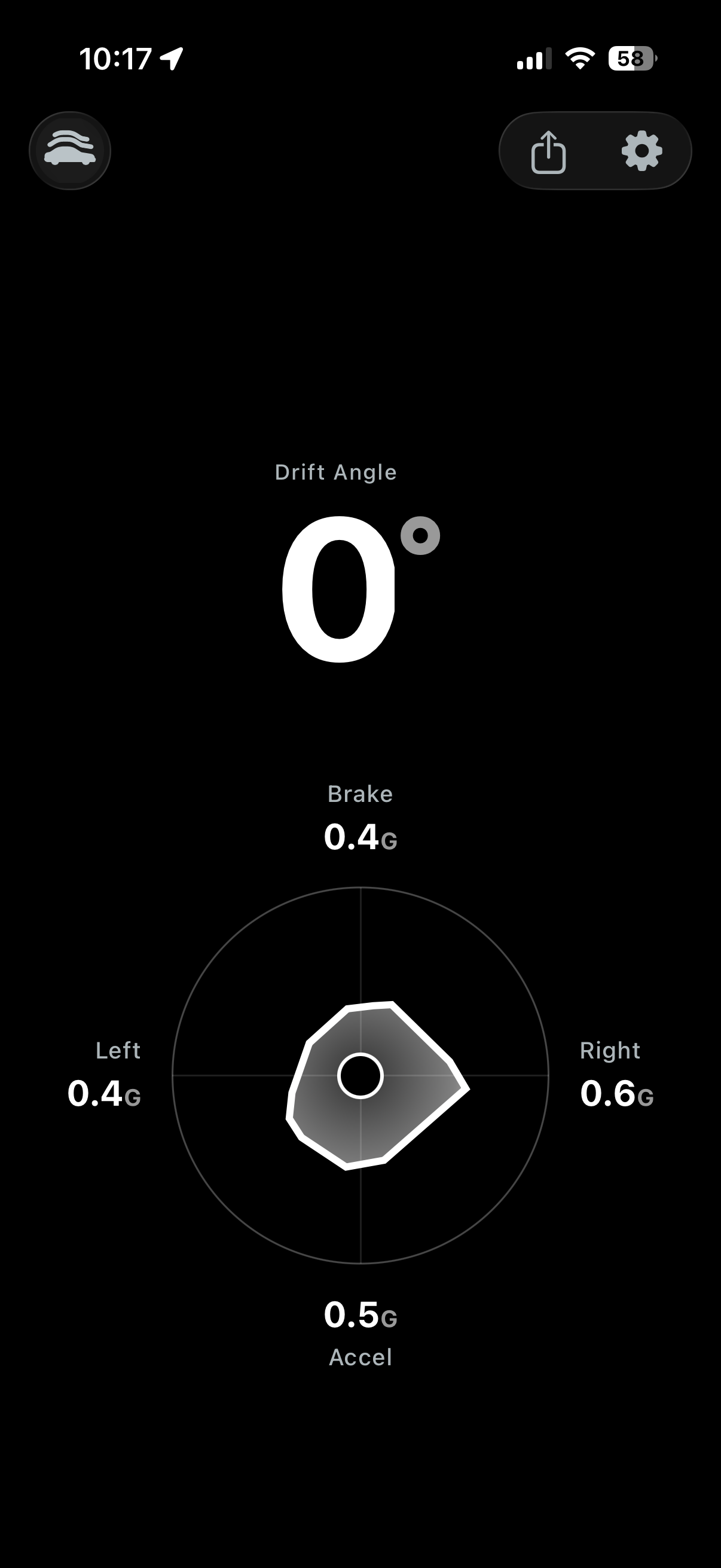
One shape for the grip you're using in every direction. The closer it reaches the ring, the closer you are to the limit.
Braking · accel · cornering
Acceleration, braking, and lateral load, live on four axes as the car responds to every input you make.
Drift angle, live
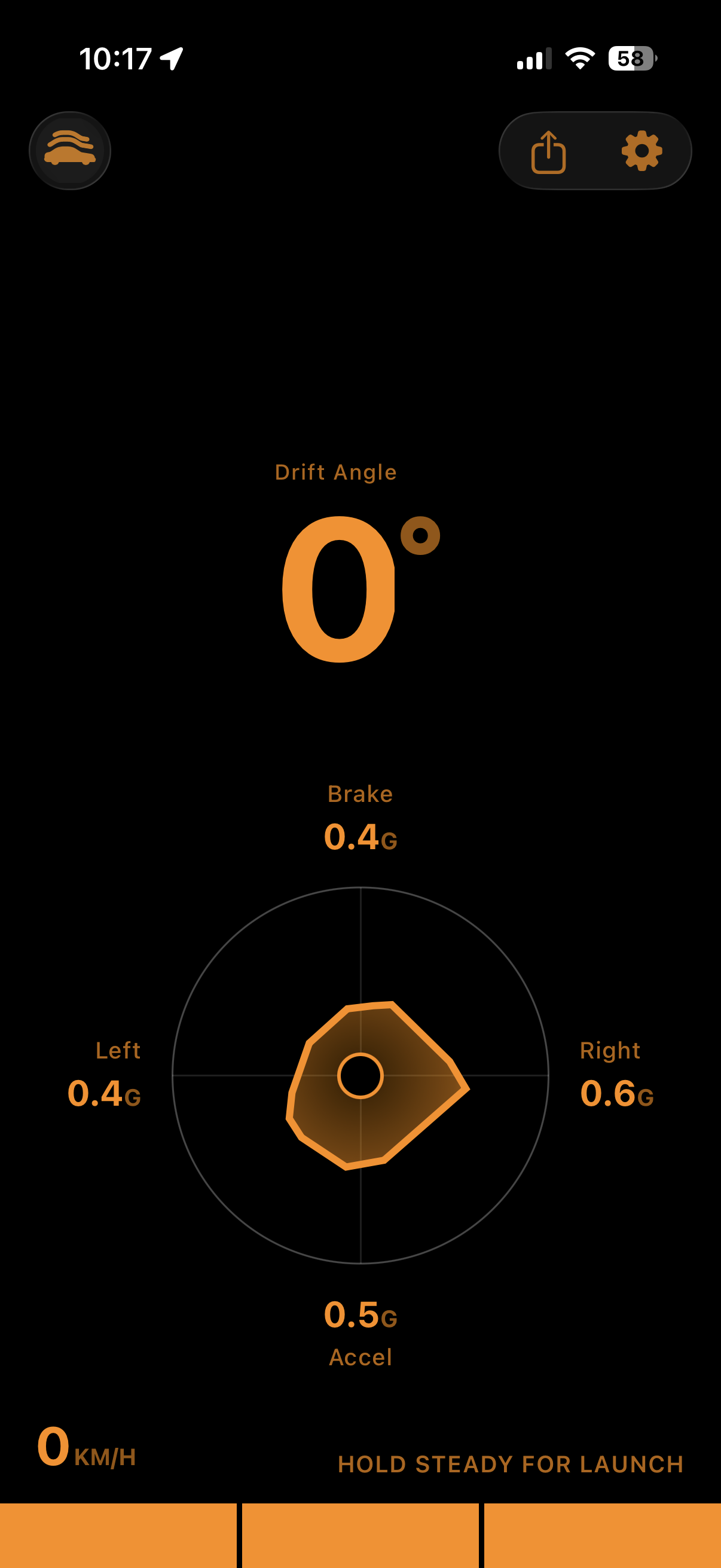
How far the car's heading has stepped out from its line — 0° tracking straight, growing as it rotates.
Share your session
Export your session shape, peak forces, and timestamp as a single card you can keep or send.
Pick your color
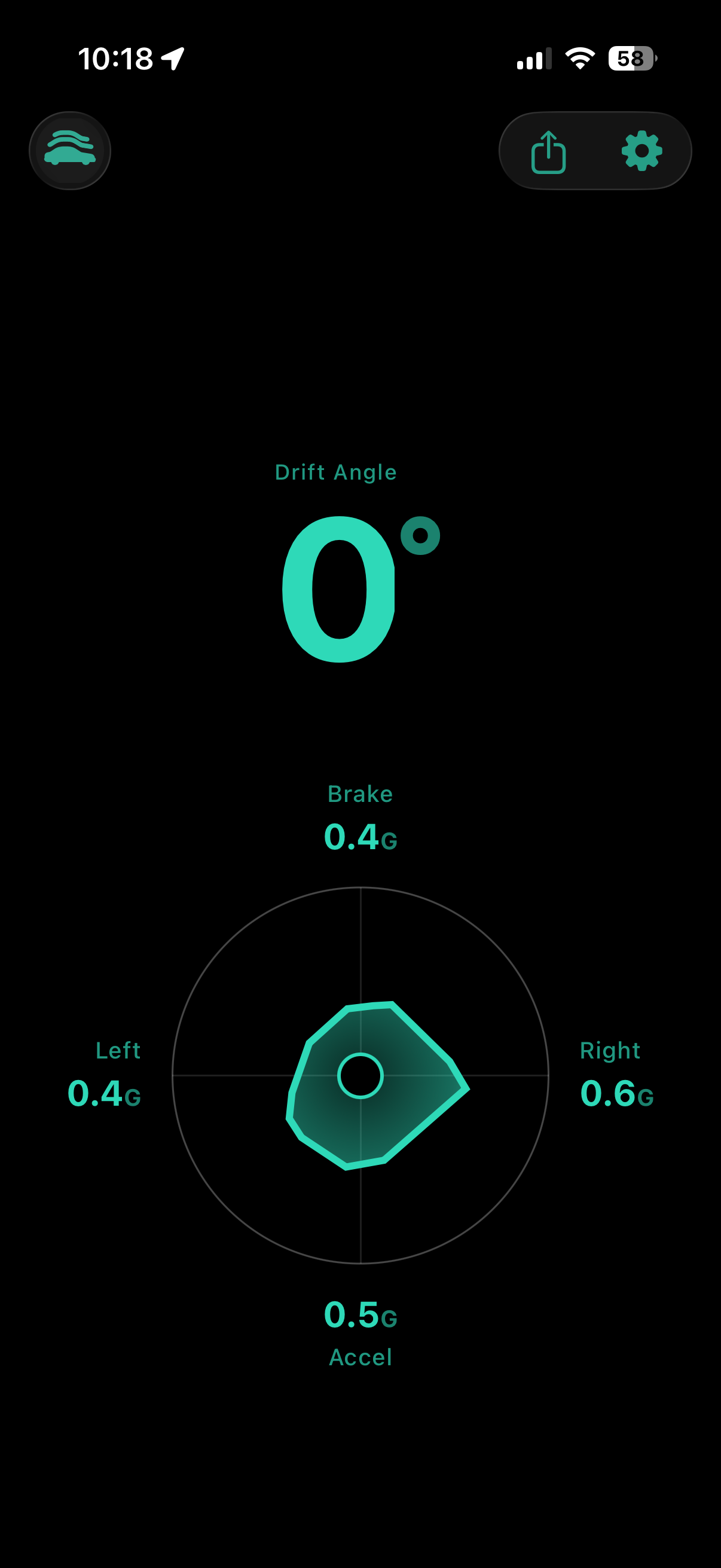
Ten colorways — the whole readout recolors to match your dash and your mood.
Private by default
No account, no cloud, no analytics. Motion and location are processed live on-device and never leave it.
Made for iPhone Duo
Read it on the cover display, open it tall for the readout above the fold and the circle below, or turn it wide to set them side by side with the fold between them.
Every drive leaves a shape.
That shape is a portrait of how you drive. A tall, even envelope is smooth and balanced; a lopsided one shows where you lift early or trail-brake past the edge. Read it at a glance — how hard the car is working, and how much grip is still in reserve.
Read the car's slip in real time.
0° is straight tracking under power or braking. As the car rotates beyond its line, the angle grows — no calibration, no setup, just another layer of insight into how it behaves at the limit.
One instrument, in your color.
Your quarter-mile, caught automatically.
Grip watches in the background while you drive. Set a roll or stage a standing launch, floor it, and it banks your 60-foot, 0–60, and quarter-mile — timed from the instant you rolled into it. No button, no countdown — you decide it was a run after the run.
Nothing leaves your phone.
No account. No cloud. No tracking, no analytics SDK. Location is used only to sense your direction of travel — processed live and never stored. Your drives stay on your device, full stop.
This page serves as the privacy policy for the Grip iPhone app.
Turn feel into sight.
Free. No in-app purchases, no account.